MobileExpres – software for field sales and distribution

 software for distribution and remote sales MobileExpres is a financial software for managing Distribution and Field Sales. It plans and monitors field operations, wholesale and retail sales, presales, agent itineraries, statistical reports, inventory, clients, price lists, and more. price Main Computer + 1 Handheld Device: 85,000 LEK Computer or Additional...

MobileExpres Distribution & Field Sales Management Software

 software for distribution and remote sales

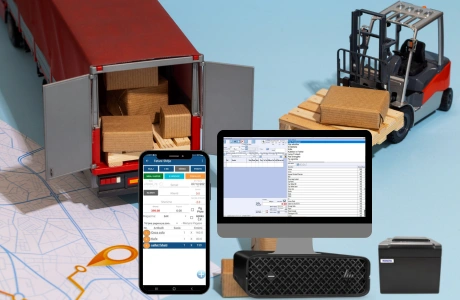
MobileExpres is a financial software for managing Distribution and Field Sales. It plans and monitors field operations, wholesale and retail sales, presales, agent itineraries, statistical reports, inventory, clients, price lists, and more.


price

Main Computer + 1 Handheld Device: 85,000 LEK

Computer or Additional Handheld Device: 25,000 LEK

Additional Modules : See the complete list by clicking here

customer support and terms & conditions
user manual and video presentation
main features of the software

  1. The system allows configuring agent itineraries, clients, price lists, statistical reports, etc.
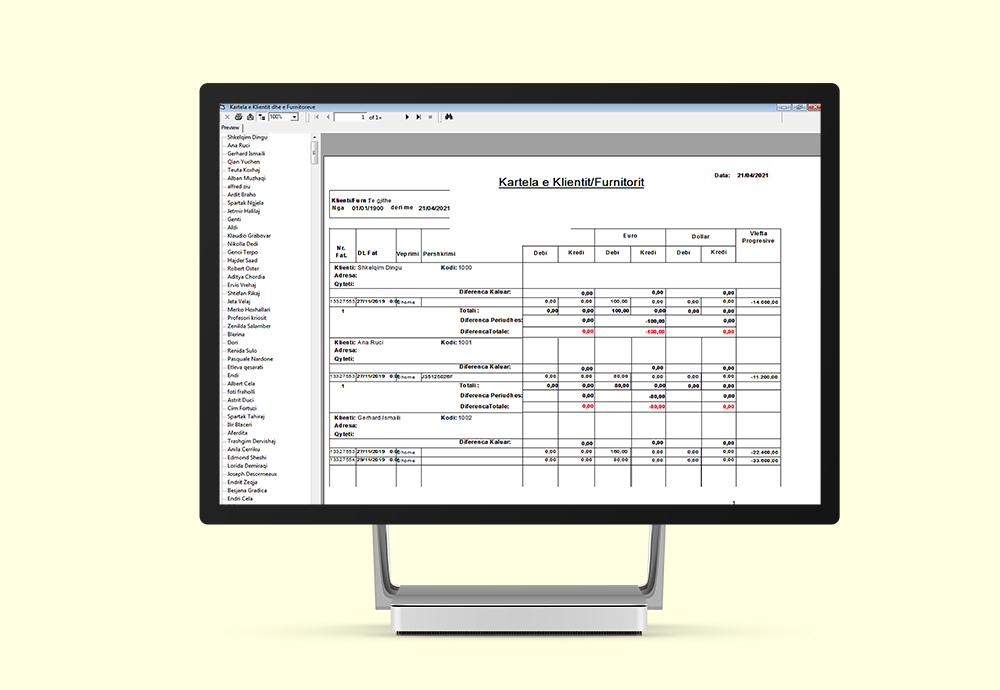
  2. Statistical reports on sales by clients, Customer Cards, Packaging for loading, Profit by clients, Debts, etc.
  3. It provides Entry/Exit Sheets, Transfers between warehouses or to vans, inventory management, etc.
  4. It allows configuring a periodic itinerary for agent visits to clients.
  5. Generates statistical reports on sales, purchases, clients, agents, profit, inventory, collections/payments, etc.
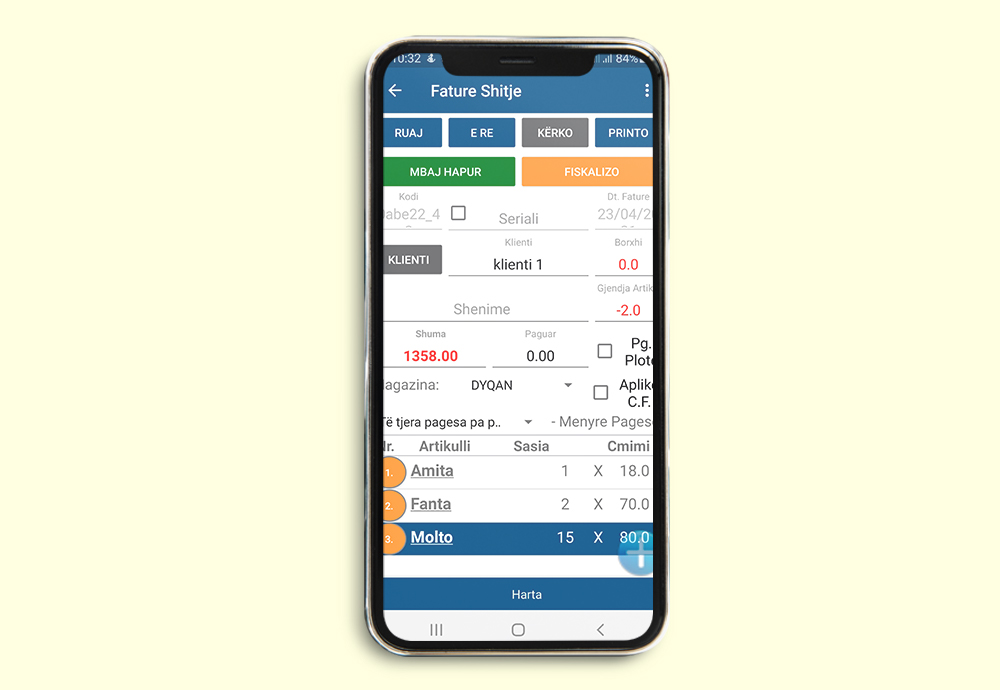
  6. All Invoices, Orders, and Payments made through the palm device are transferred via the internet to the central server. Available also in the version where the Point of Sale (POS) desktop (as in the case of a chain of stores/shops) synchronizes invoices to the central server.
  7. It allows configuring differentiated/personalized sales price lists according to client categories.
  8. Inventory management for the warehouse and all registered sectors.
  9. The inventory of items can be checked at any time.
  10. Cash management. Payments and collections.
  11. Items for sale can be selected using a barcode scanner.
  12. Items can be imported from Excel files.
  13. Barcode labels for the required items can be printed via the program.
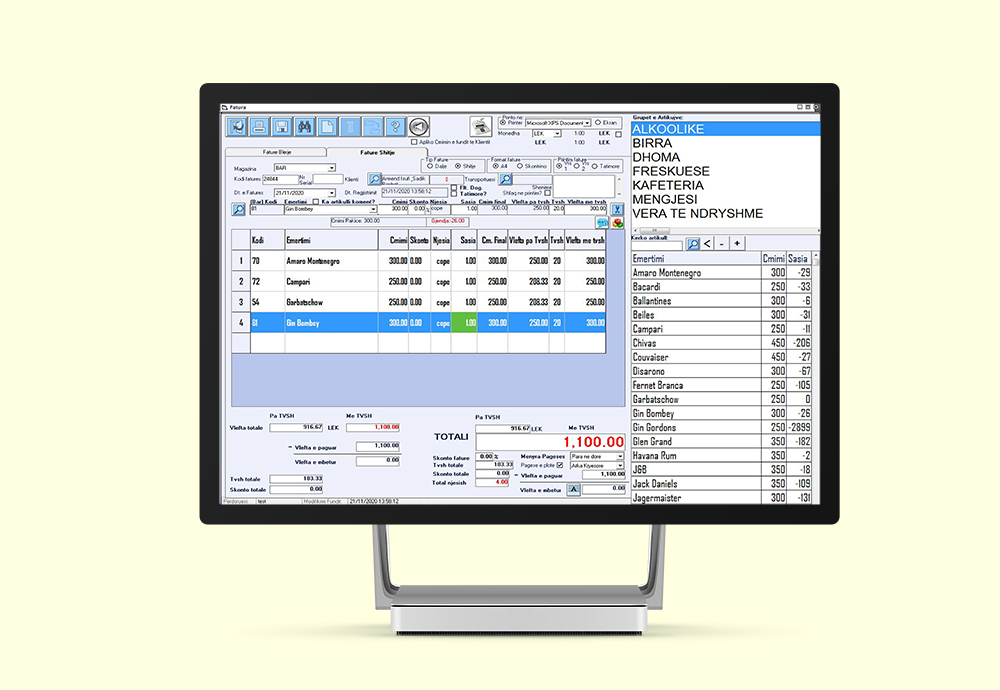
  14. Choice of invoice type and format (60mm, 80mm, A6, A4).
  15. Accounts for registered clients.
  16. Order registration for sales.
  17. Access levels based on user functions.
  18. All actions performed in the program are saved along with the respective user name.
  19. Users of the program are managed according to their functions (e.g., sales, supply, cash).
  20. The user can log into the program using a Magnetic Card or Fingerprint.
  21. All completed and canceled sales are saved and reflected.
  22. Reports for any selected period for sales, supplies, quantity of items sold, and financial balance.
  23. Printing or exporting to Excel all generated reports.
  24. Compatible with Fiscal Cash Registers.
  25. In the Network versions of the program, every non-server workstation can work connected to the central server (Online), but also independently (Offline) from the central server. This functionality is useful when the network is down, as invoices can be processed independently and later synchronized with the central server once the network is functional again.
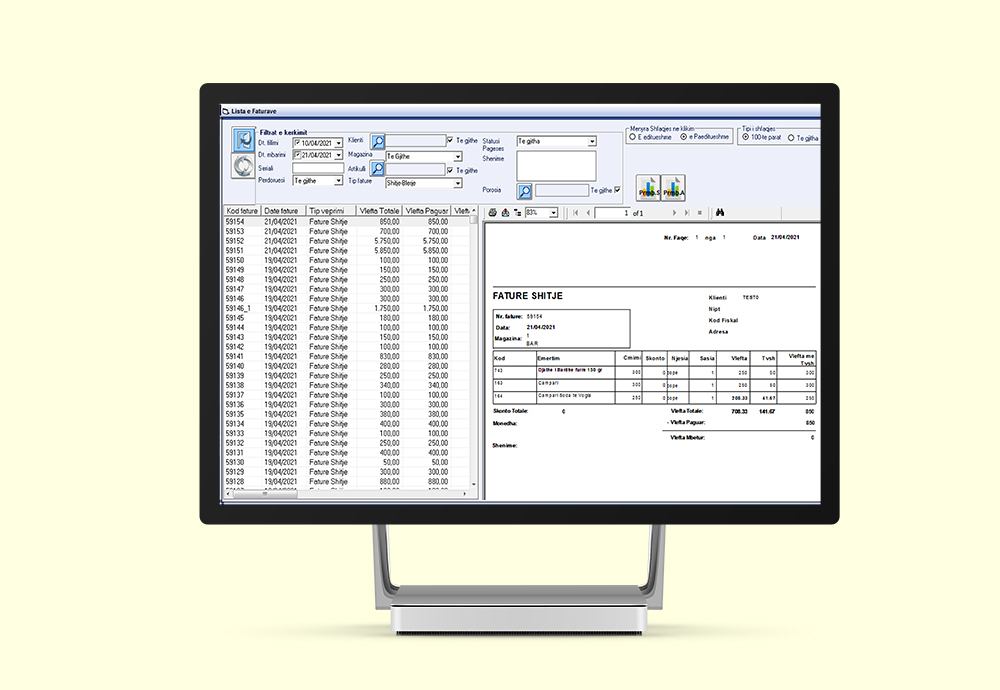
  26. Practical management of Purchases/Sales through an interface that lists all invoices for a specific time period in chronological order. From this list, any specific invoice can be easily selected and managed.
  27. Overview of Unpaid Invoices by client.
  28. Cash and Bank Management. Multi-Cash Register system. Payment –
  29. Collection administration.
  30. Balance: Purchases, Sales, Revenues, and Expenses.
  31. Cash Book, Purchase Book, Sales Book.
  32. Accurate calculation of user turnover (the turnover is unaffected by manipulation attempts such as manipulating the computer’s date or issuing an invoice with negative quantities/values to artificially reduce turnover, which the user submits at the end of the day).

Veprime me magazinat
Planifikim vizitash
Raporte

why you should use mobileexpres?

MobileExpres is a financial software for managing distribution or field sales businesses, which enables interaction via the internet between sales agents and the central warehouse, as well as management of their tasks by setting itineraries, clients, or price lists. It offers security features for agents working through this program, allowing them to log in using a Magnetic Card or Fingerprint recognition. It provides a clear overview of the client’s activity with your business through the client profile, such as: sales, orders, profit per client, offering personalized pricing, completed payments, or debts. It helps you control and manage the status of goods by providing real-time inventory information. MobileExpres is an easy-to-use software that offers complete management of your business and keeps track of all activities through various reports provided by the software.

who uses mobileexpres?

MobileExpres is a software that can be used by distribution and field sales businesses, streamlining and automating the entire business interaction, regardless of the fact that their agents work in the field.

mobileexpres – distribution and remote sales system